Reduce chart friction
Layer related visual tools in TradingView instead of piecing together disconnected indicators.
Independent TradingView toolkit buyer guide
VIP Algos bundles visual alerts, trend context, market-structure tools, and target zones inside TradingView. This guide shows what that can—and cannot—do for your process before you pay for access.
Advertising disclosure: This independent Deal Armory guide contains sponsored links. We may earn a commission at no extra cost to you. Trading involves risk; tools do not guarantee results.
The real buying question
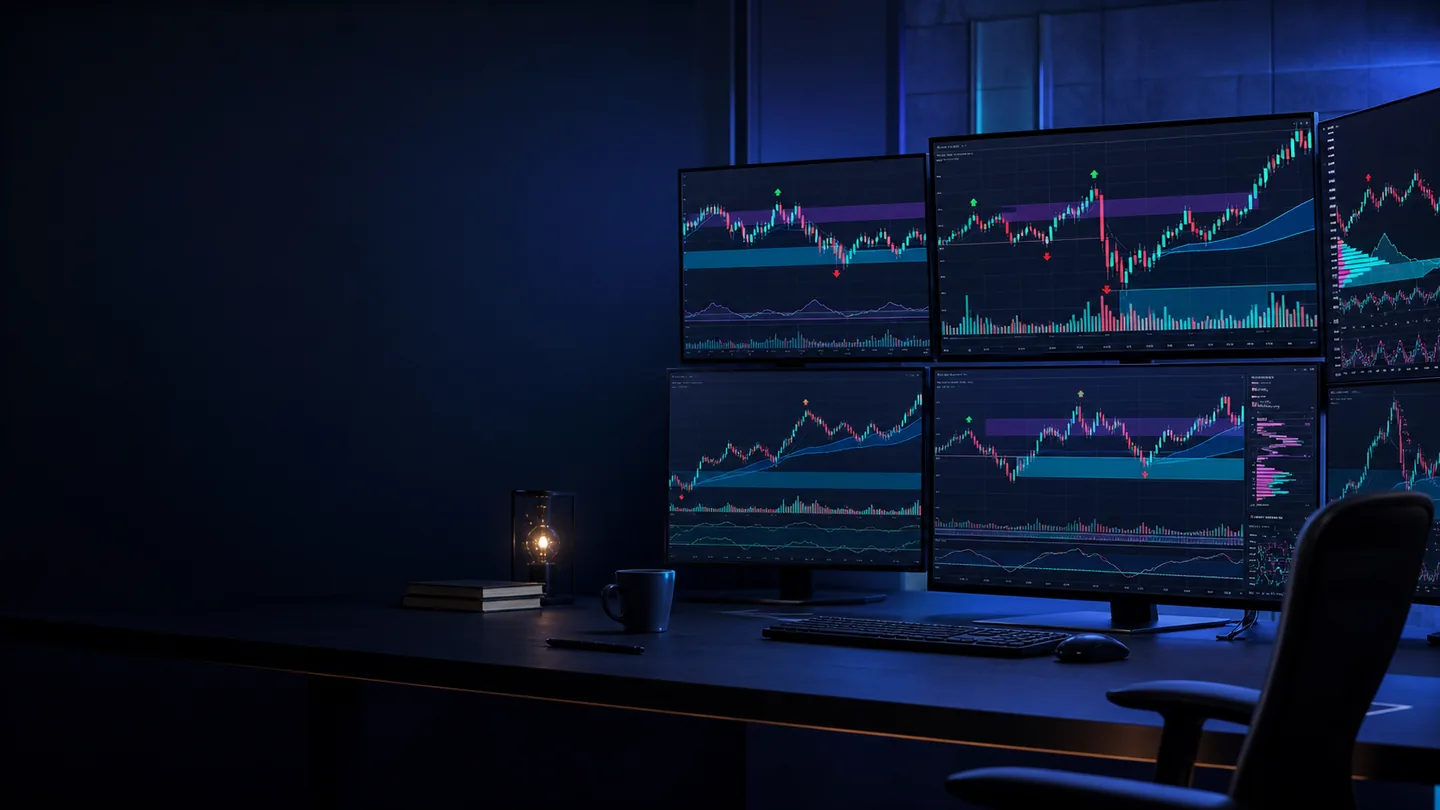
The attraction of an indicator bundle is not prediction. It is consolidation: seeing possible direction, zones, and alerts in one charting environment so you can spend less time switching tools and more time applying your own rules.
Layer related visual tools in TradingView instead of piecing together disconnected indicators.
Use alerts and zones as prompts for analysis—not as automatic instructions to enter a trade.
Pair the visuals with entry criteria, invalidation points, position sizing, and a written plan.
What VIP Algos is
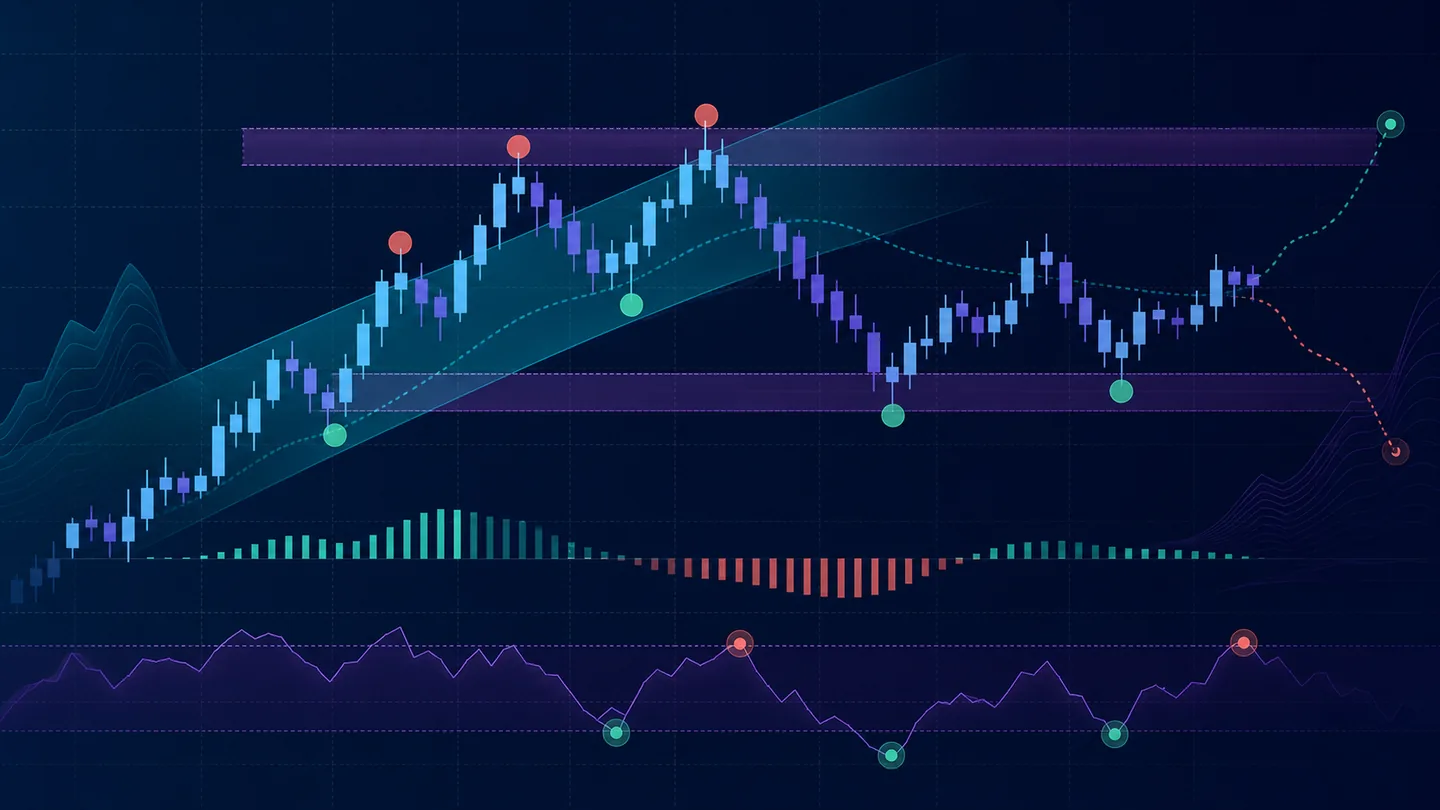
The advertiser describes VIP Algos as a collection of indicators for chart alerts, trend direction, patterns, support and resistance, and potential take-profit/stop-loss areas across supported markets and timeframes.
VIP Algos does not place trades, manage an account, or remove market risk. You remain responsible for every interpretation and decision.
Advertiser-listed toolkit
Names and package details below were visible on the advertiser page during this review. Offers can change, so confirm the current bundle, access terms, price, and refund policy on the destination.
The vendor says it combines bullish/bearish alerts with market structure, trend signals, and potential TP/SL zones.
Practical value: one place to scan several chart cues.Described as Buy/Sell alerts with visual bands for possible trend changes and setup areas.
Practical value: easier trend-state recognition at a glance.The vendor says it uses multi-timeframe pattern and price-movement analysis to highlight possible reversals and zones.
Practical value: a prompt for deeper analysis—not a prediction guarantee.Two tools described for trend checks, setup zones, visual alerts, and potential TP/SL areas.
Practical value: confirm whether multiple cues align with your rules.Designed to map chart levels where price may react.
Practical value: identify areas to plan around before a decision.The current page also lists setup guides, tutorial videos, a beginner course, a private member group, and 24/7 customer support.
Verify availability, response times, and current access terms.Sponsored link · Confirm all package and checkout terms before purchase.
How the workflow works
Review the current package, price, billing, support, and refund terms on the advertiser page.
The vendor provides setup guidance and says the indicators can work with a free TradingView account.
Select the indicators and alerts that match the market, timeframe, and rules you already understand.
Treat every alert as a reason to inspect—not an order. Check context, invalidation, and risk before acting.

Prequalify before you click
Honest fit matters more than collecting another indicator. Start with your behavior, platform, and expectations.

60-second decision table
Objections, answered plainly
No tool can promise that. Alerts can make possible setups easier to notice; profitability still depends on interpretation, execution, costs, sizing, discipline, and market conditions.
The vendor describes fast setup, tutorials, and a beginner course. That may reduce platform friction, but beginners still need to learn risk, order types, and the possibility of loss.
The current page describes use across forex, crypto, gold, stocks, indices, futures, and other supported TradingView markets. Compatibility does not mean equal usefulness in every market condition.
We did not find an unambiguous public price on the reviewed landing page. Check the advertiser’s current offer and checkout for price, taxes, billing frequency, and continuity terms before committing.
The vendor says its TradingView indicators can be used on desktop, tablet, or phone. Verify alert behavior and your preferred workflow on the device you actually use.
Review the current refund policy and contact process before purchase. Save the checkout terms and confirmation; do not rely on assumptions or an older review.
Specific questions
A vendor-described suite of 5+ TradingView indicators intended to display visual alerts, trend context, chart patterns, support/resistance, and potential target or stop areas. It is analysis software, not financial advice or an automated trading service.
The vendor says its indicators work with a free TradingView account. TradingView feature limits can change, so verify that your account tier supports the number of indicators and alerts you plan to use.
No. The advertiser explicitly states that VIP Algos does not place trades or manage accounts. You make and own every decision.
The reviewed advertiser page lists setup guidance, tutorial videos, a beginner trading course, a private member support group, and 24/7 customer support. Confirm current access and support channels before checkout.
No responsible percentage can be assumed from a sales page. Signals can fail, lag, or perform differently as conditions change. Test the tools against your own rules, preferably in replay or paper trading before risking capital.
Check the exact indicator bundle, current price, one-time or recurring billing, platform requirements, access duration, support method, refund conditions, and any region restrictions. Product pages and checkout terms can change.
Your next move
If you want a TradingView-based toolkit for visual alerts, trend context, and planning zones—and you accept that every signal still needs risk-aware review—VIP Algos may be worth a closer look.
Sponsored link. Deal Armory is independent and not the vendor. Verify current price, billing, refund policy, compatibility, and package details at the destination. Trading involves substantial risk; results vary.